


The Drivers module manages the drivers who operate the fleet and their identification IDs.
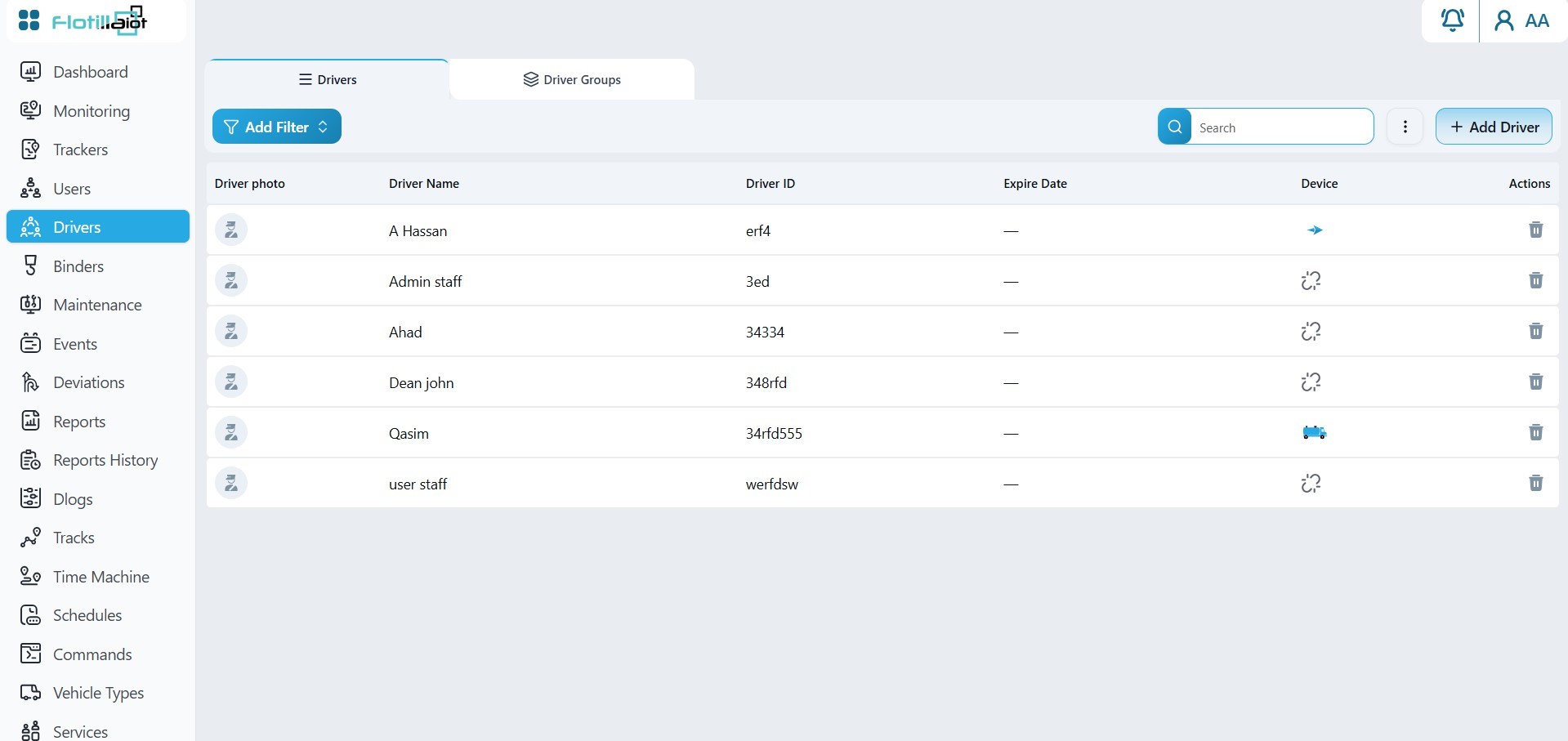
- The Drivers tab lists each driver with photo, name, driver ID, expire date and linked device.
- The Driver Groups tab organizes drivers into groups for reporting.
6.1 Registering and Assigning Drivers
- Click + Add Driver and register the driver together with their driver ID, for example an iButton or RFID key.
- Check each driver’s expire date and linked device in the list.
- Link the driver to a unit, either manually (Trackers → Unit Settings → Advance) or automatically through a driver binder sensor.
- Optionally, add the driver to a group in the Driver Groups tab.
Once a driver is assigned, their information appears in Monitoring, in Reports and in Eco Driving scoring.