


The Binders module manages people and items that can be linked to units for identification and monitoring, such as passengers, trailers and other assets.
- Each binder has a name, a unique binder ID and a type (for example Passenger).
- The unique ID is received directly from the tracking device and depends on the connection type, for example a 1-Wire ID or a BLE MAC address.
- A binder can be linked to a device and given an expire date.
- The Groups tab organizes binders into groups.
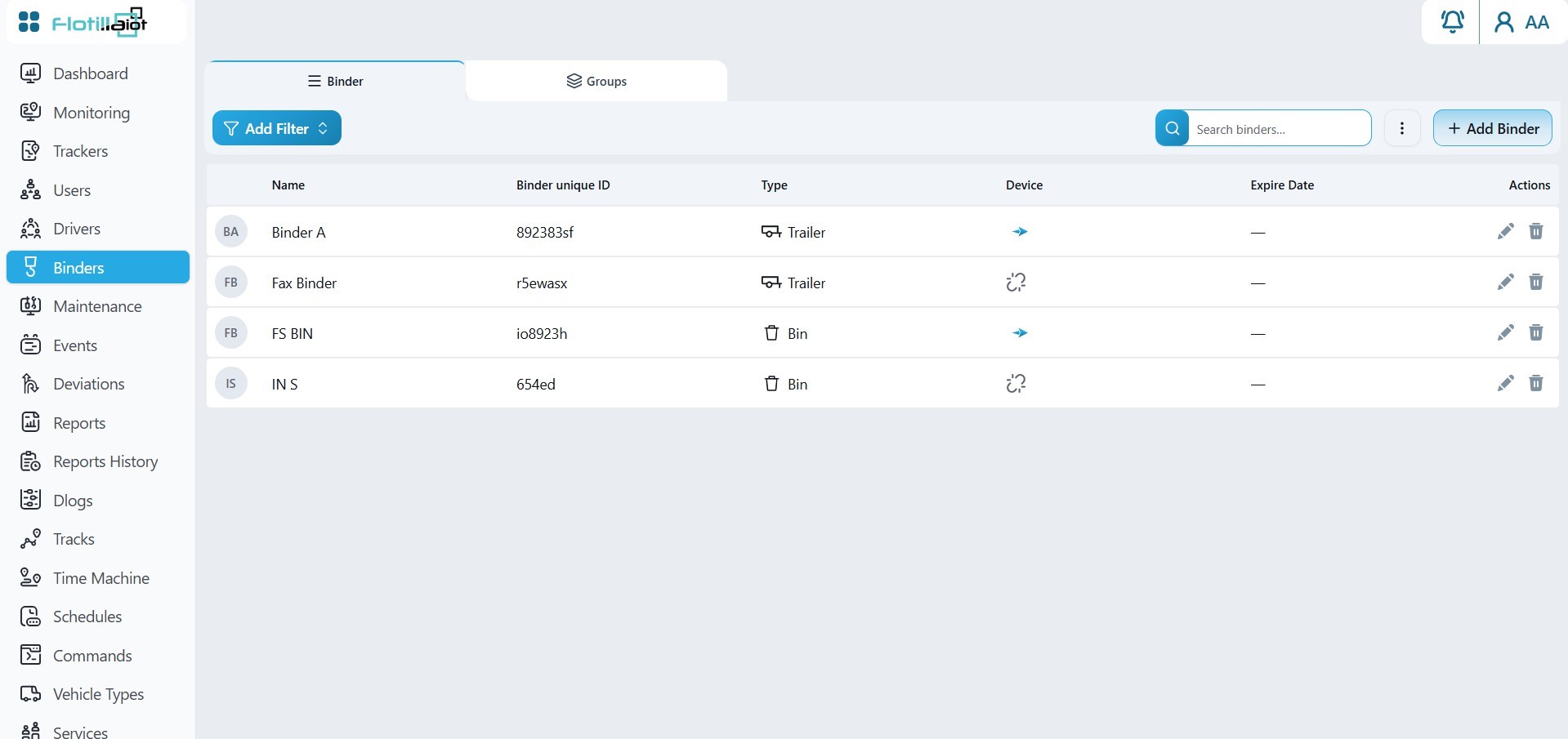
7.1 Setting Up a Binder
- Create the binder with a name, a unique binder ID and a type.
- Enter the ID exactly as the tracking device reports it, for example a 1-Wire ID or BLE MAC address.
- Optionally link the binder to a device, set an expire date and place it in a group.
- Create the matching binder sensor on the unit (Trackers → Unit Settings → Sensor → Binders) so the platform can detect the binder.
Detected binders, such as trailers, bins and passengers, then appear in the Unit Details Panel in Monitoring.