




Flotilla IoT provides the Vehicle module functionality in which users can create, edit, view, or delete vehicles. To work with Vehicle, select the Vehicle module on the left from the main menu. Users need to have access right to create, edit, assign, and delete Vehicles. Otherwise, the user can only view the existing Vehicle.
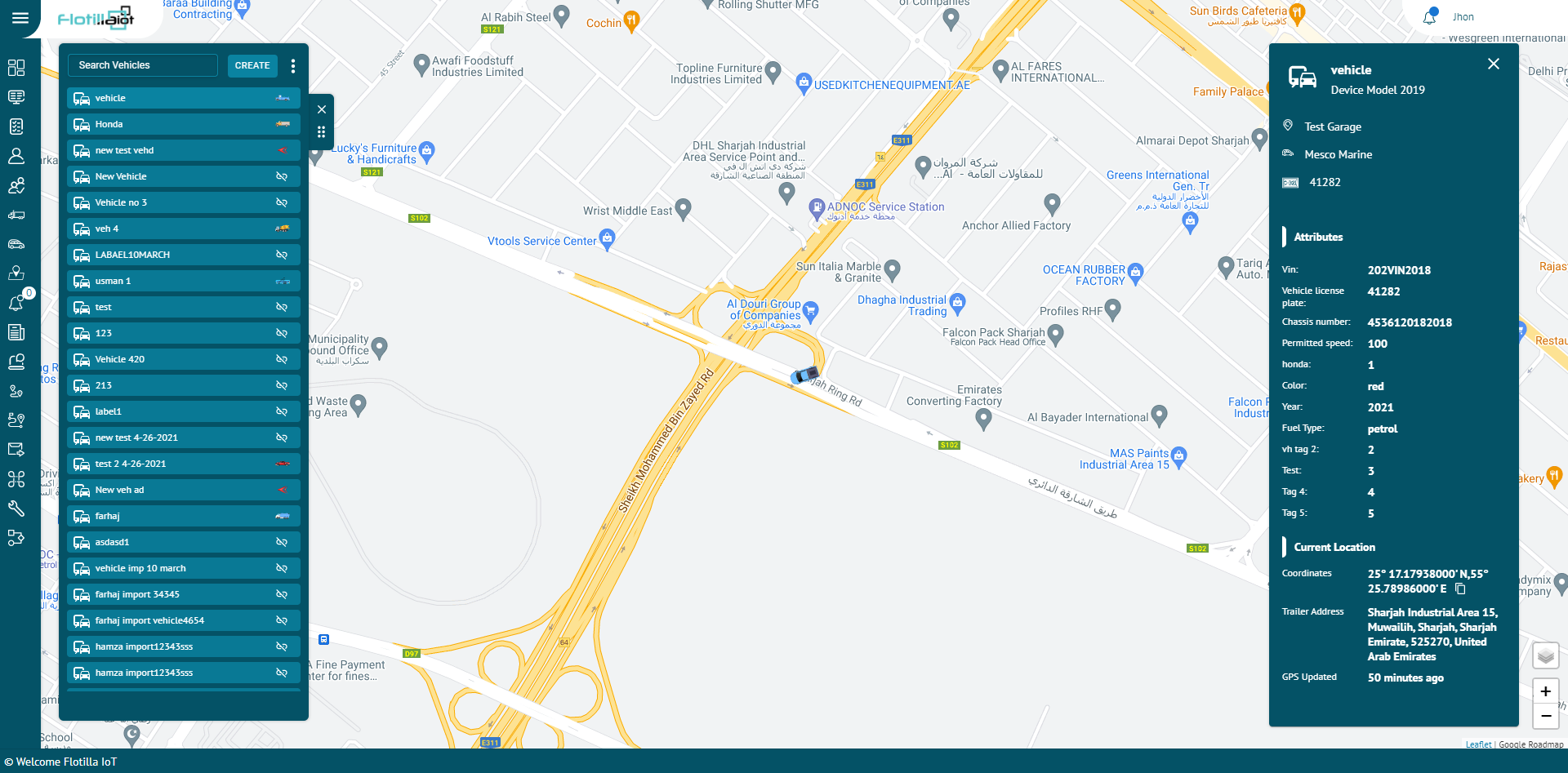
Create Vehicle
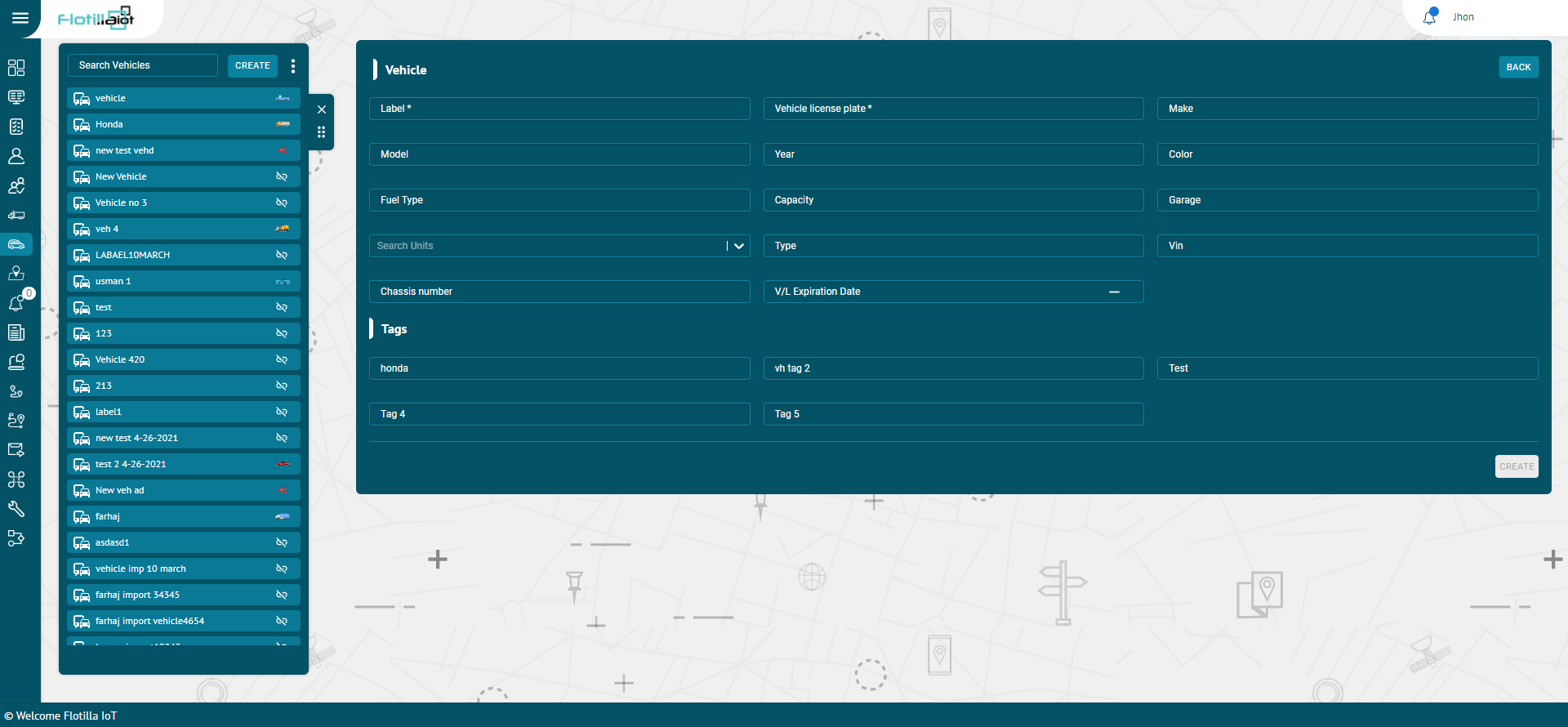
- Click on the Create new button from the Vehicle module
- Enter the required information of the vehicle like Label, Model, Color, Garage, Tags etc.
- Click on CREATE button.
Search Vehicle
- To find the required vehicle in the vehicles list, use the search field above the vehicles list.
- Enter the required vehicle name in the search field, the result will display.
Delete Vehicle
- Hover over the vehicle on the vehicles list and click on Delete icon next to vehicle name.
- The vehicle will be deleted successfully and will not be displayed in the vehicles list.
Update Vehicle
- Hover over the vehicle’ name on the list and click on Edit icon next to Delete option.
- Update the vehicle information that user wants to update.
- Click on UPDATE button.
- The vehicle information will be updated successfully
Download Vehicle Data:
A user can download vehicles data by clicking on the ‘Download Excel’ button next to search option.
Create group
To create a group:
- Select the groups list and then click on create new button.
- Enter the name of a new group
- Enter the description of a group
- Click on Create new button
The group will be created successfully and displayed in the groups list.
Add vehicles in the Group
- Click on the attachment icon on the Group name.
- Check the vehicles that you want to add in the Group.