




Create Binder
- Click on the Create new button on the top of Binders module.
- Select Binder type from the menu.
- Enter the required information related to the Binder.
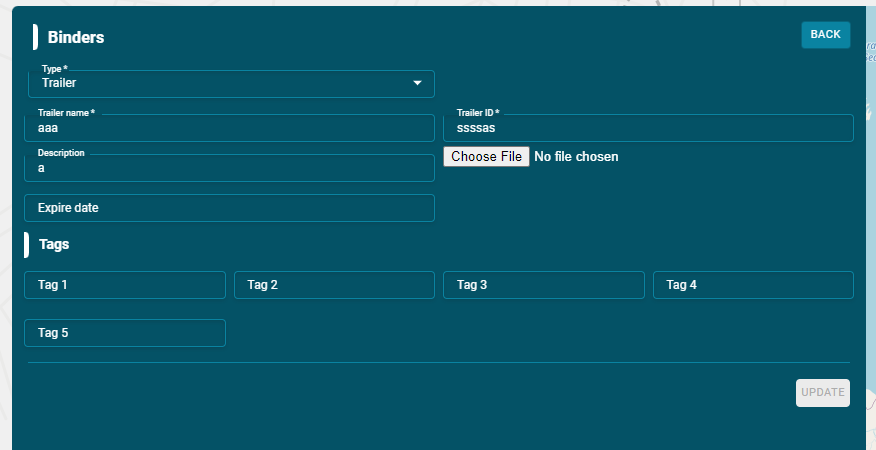
Binder Name:
- Enter the Binder name in this option.
Binder ID:
- Enter the unique Binder ID number in this option.
Description:
- Enter the description of the Binder in this option.
Choose File:
- You can add an image related to the Binder by clicking on this option.
Expire Date:
- Enter the expiry date of the Binder here.
Tags:
- You can add custom field for the Binder using tags.
Create group
To create a group:
- Select the groups list and then click on create new button.
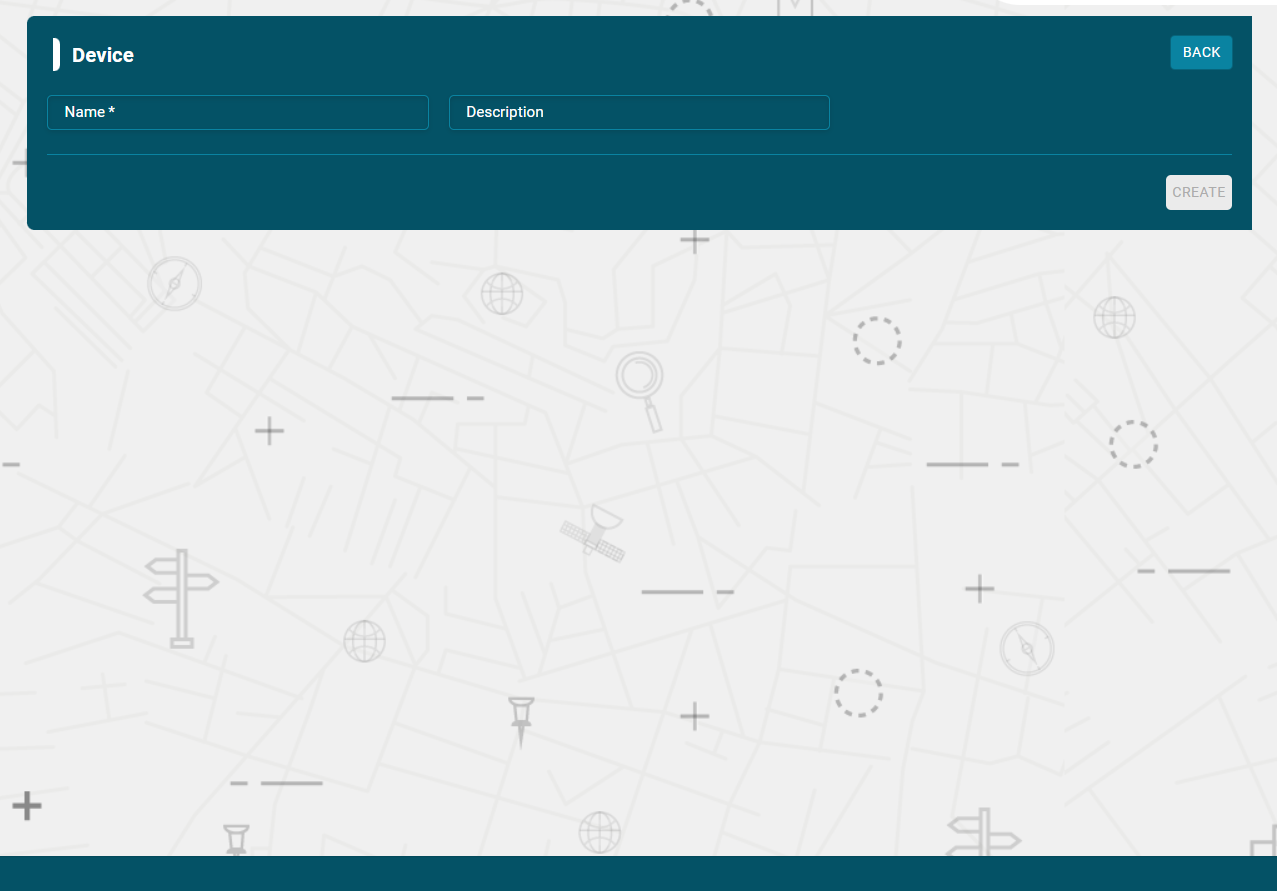
- Enter the name of a new group
- Enter the description of a group
- Click on Create new button
The group will be created successfully and displayed in the groups list.
Add Binders in the Group
- Click on the attachment icon on the Group name.
- Check the binders that you want to add in the Group.