


The Schedules module automates report generation and delivery. Scheduled reports run automatically and are emailed to the configured recipients without any user action.
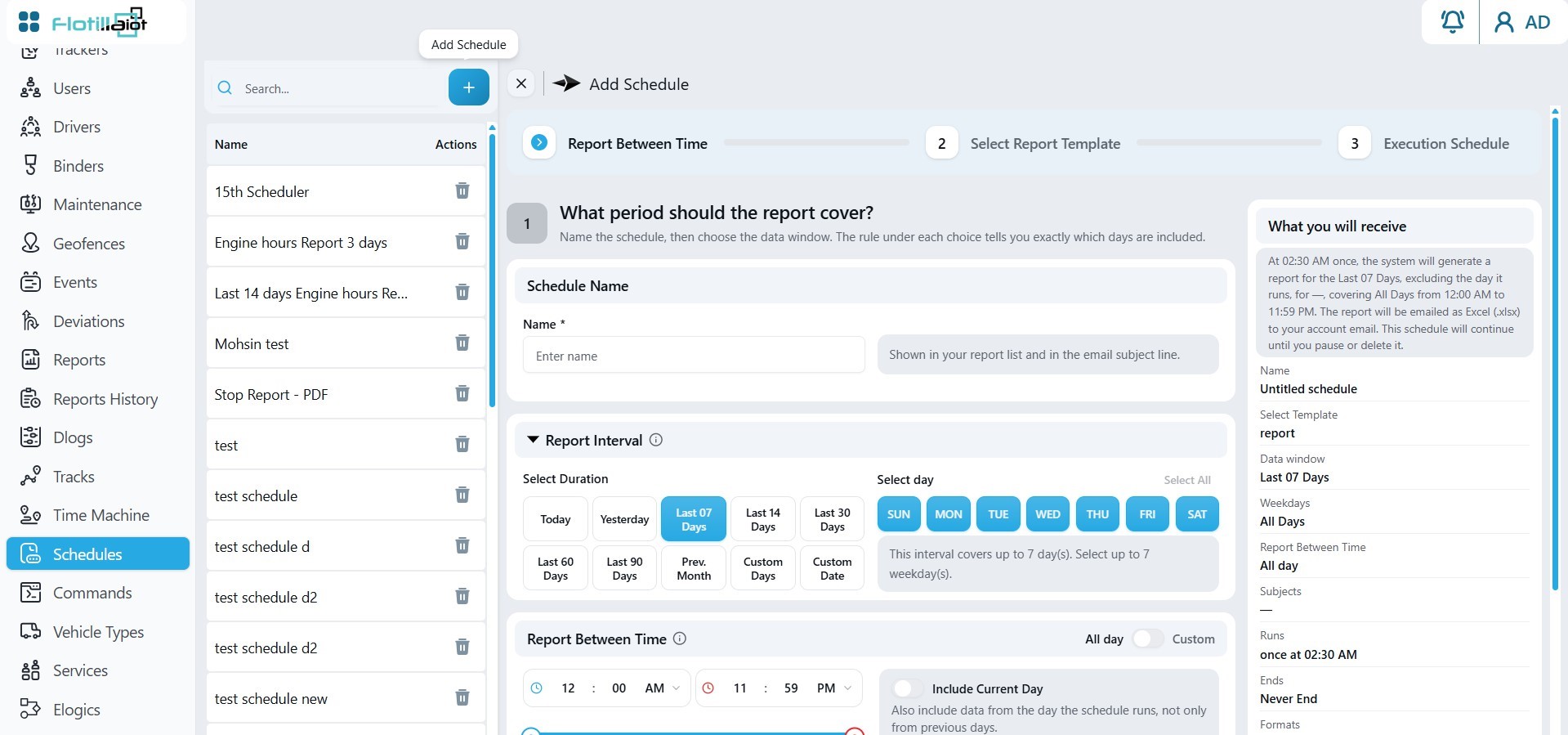
17.1 Setting Up a Schedule
- Click + Add Schedule.
- Select the report template and the trackers to include (report templates are described in Chapter 12).
- Choose how often the report runs and enter the recipient email addresses.
- Save the schedule. It appears in the left panel, where you can edit or delete it later.