


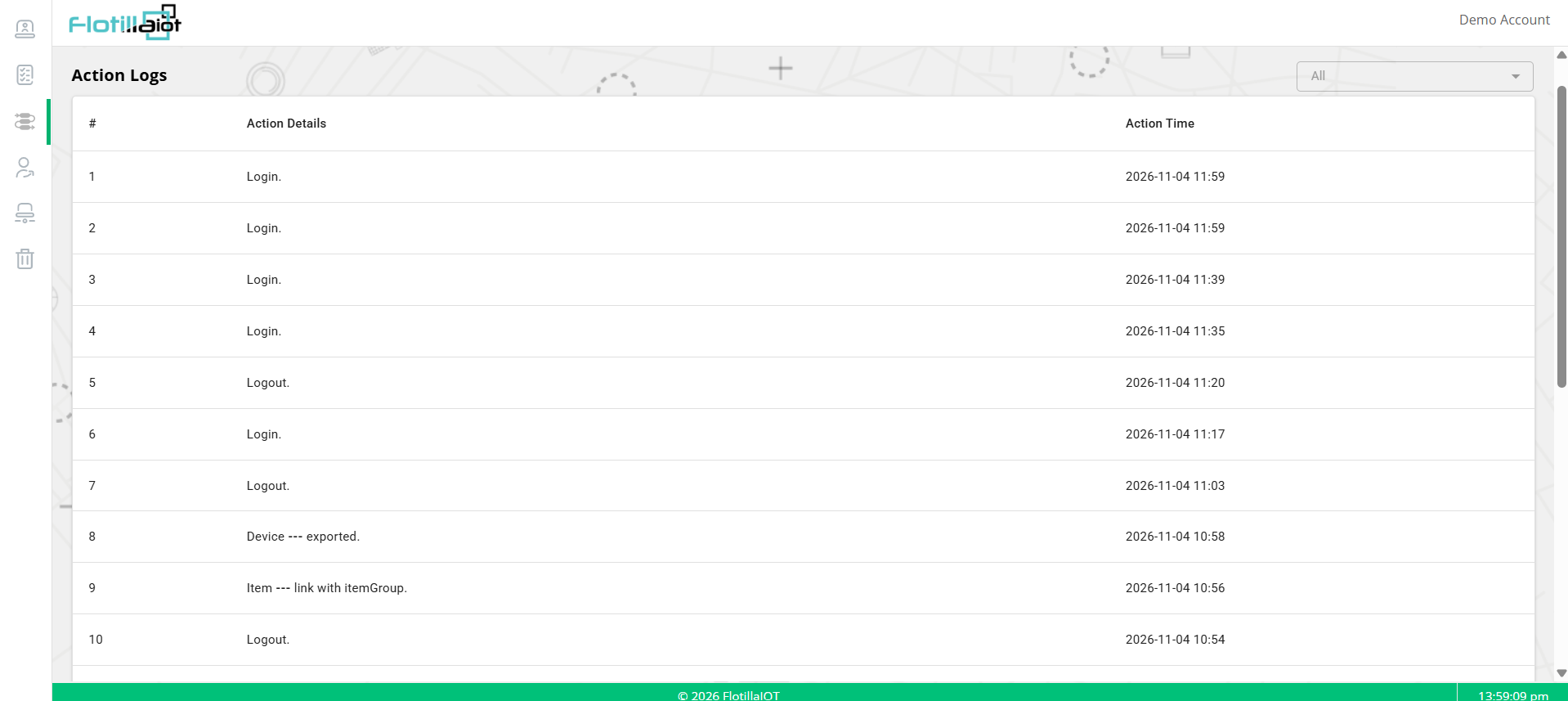
The Action Logs module records what happens on the platform, such as sign-ins, sign-outs and exports, giving you an audit trail of what was done, and when.
4.1 Reading the Log
| Column | What it shows |
|---|---|
| # | The row numbers. The newest actions are at the top. |
| Action Details | What happened, for example Login., Logout., Device — exported. or Item — link with item Group. |
| Action Time | The date and time of the action. |
4.2 Filtering by Type
The drop-down at the top right, set to All by default, lets you limit the log to one type of action. Choose a type to focus on, for example logins, and set it back to All to see everything.
4.3 Typical Uses
- Check when a user signed in or out.
- Confirm what was done after you used Login as User (Chapter 2).
- Find out when a list was exported or an item was linked.