




To log in to the CMS panel web application, enter the official URL of CMS Flotilla IoT into the address line of the browser.
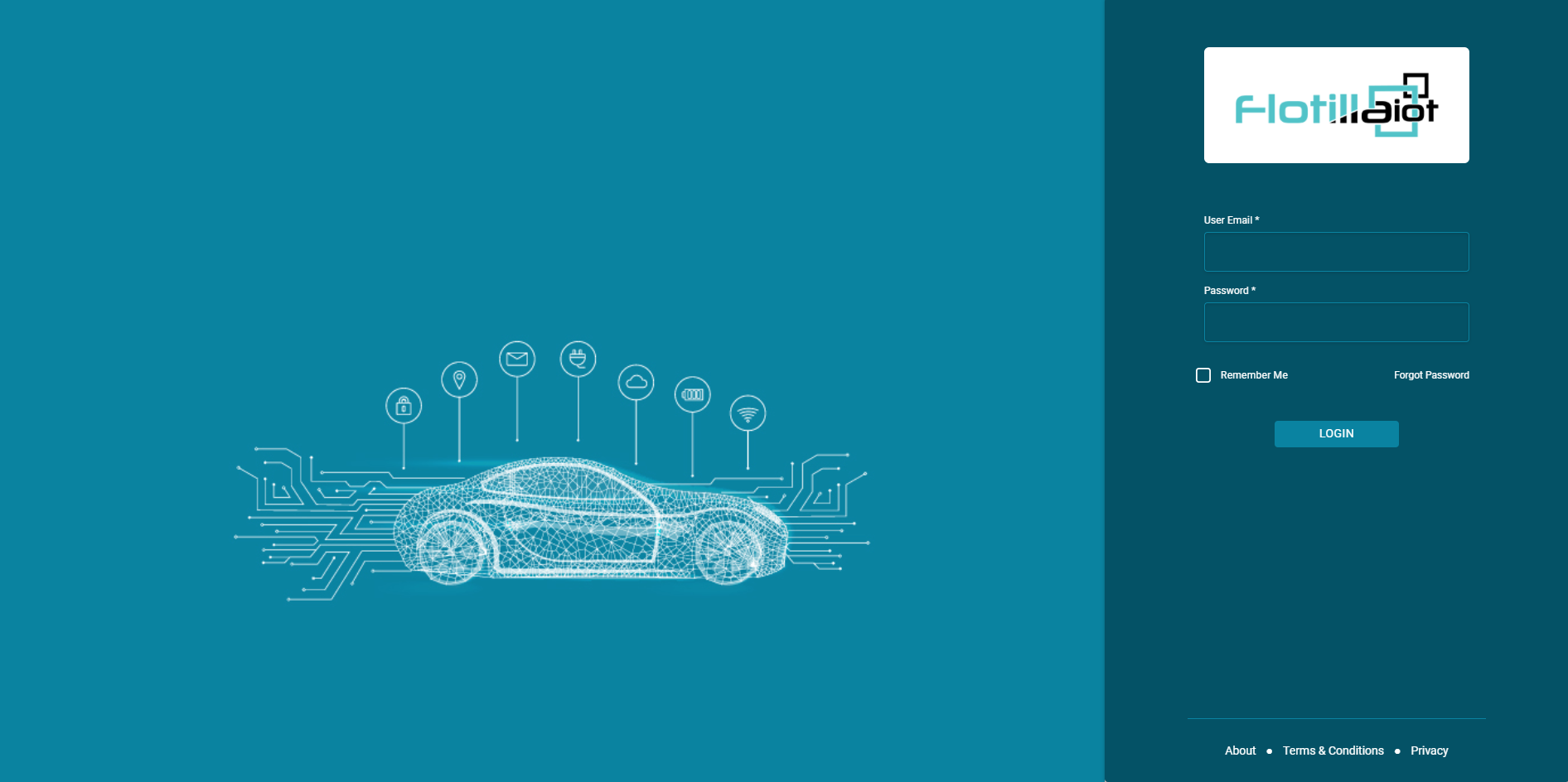
On the login page:
Enter Username
Enter password
Click on the login button
The user will log in successfully to the system.
Forgot Password
Flotilla IoT provides a “Forgot Password” functionality on the login page. If the user forgets the password, they can click on the forgot password button from the login page. They will be asked to enter an email address. Then press the submit button.
Change Password
Users can change the account password from the user settings option. Click on the user settings in the right corner of the top account, and then click on the ” Change Password ” option.
Enter new password
Repeat the new password
Enter current password
Click on the ” Change Password ” button. The password will change successfully. Now users can log in to the CMS with the new password.